Mobile Gaming at DelOro Casino: iOS and Android App Access
 Available in GB
DelOro works through mobile browsers, so you do not need a native app to access the casino from an iPhone or Android phone. Browser or instant-play access is supported, while a native DelOro iOS app and a native Android app have not been confirmed. The practical route is therefore to open the casino in a modern mobile browser rather than search for an unconfirmed download.
This distinction matters because an app-like mobile website and a genuine App Store or Google Play application are not the same thing. A responsive browser site can still cover the main casino journey – browsing games, opening live casino categories, signing in, reaching the cashier and contacting support – without installing software. Check the current mobile interface for any device-specific feature you rely on.
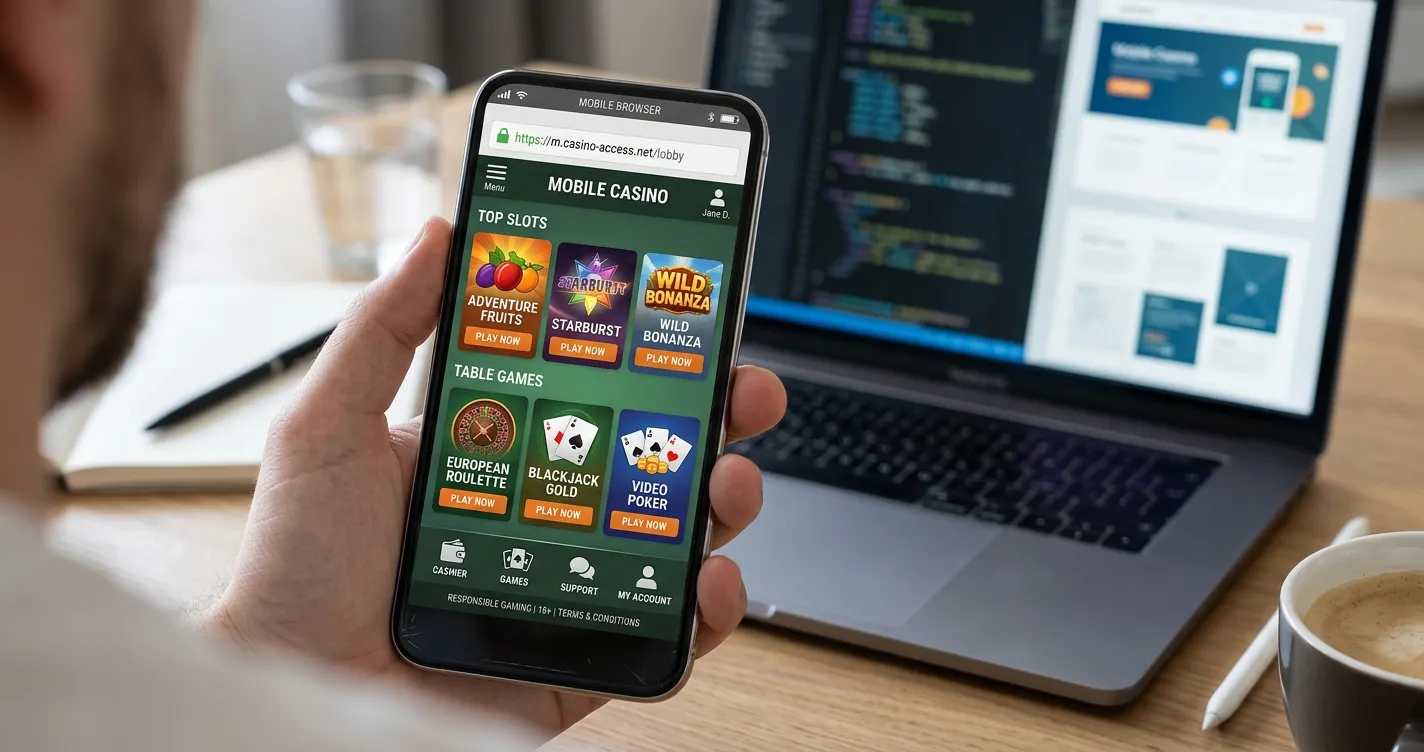
Table of Contents
- DelOro Casino Mobile Features: Instant Play, Security and Performance
- How to use DelOro on an iPhone
- How to use DelOro on Android
- What can you play on mobile?
- Mobile cashier use: check before you pay
- Support from a phone
- Native app versus mobile browser: which is better here?
- Five mobile checks worth doing before a deposit
- Common mobile mistakes to avoid
- Mobile access on iPhone, Android, installation, live games and mobile cashier use
- When browser-first mobile access makes sense
DelOro Casino Mobile Features: Instant Play, Security and Performance
| Mobile question | Current position | What that means |
|---|---|---|
| Does DelOro work on mobile? | Yes. Mobile browser access is verified. | Use the casino through a phone or tablet browser. |
| Is there a verified iPhone app? | No native iOS app has been verified. | Do not rely on an App Store download unless an official listing is confirmed. |
| Is there a verified Android app? | No native Android app has been verified. | Use browser play rather than unofficial APK files. |
| Are slots and live casino available? | Slots and live casino are verified DelOro formats. | Check the live mobile lobby for the titles available on your device. |
| Is live chat available? | Live chat is available 24/7. | It can be useful when a mobile page, account step or transaction needs clarification. |
The key point is that “mobile casino” does not automatically mean “native casino app”. DelOro provides browser-based mobile access, so a native app is not required for the main casino journey.
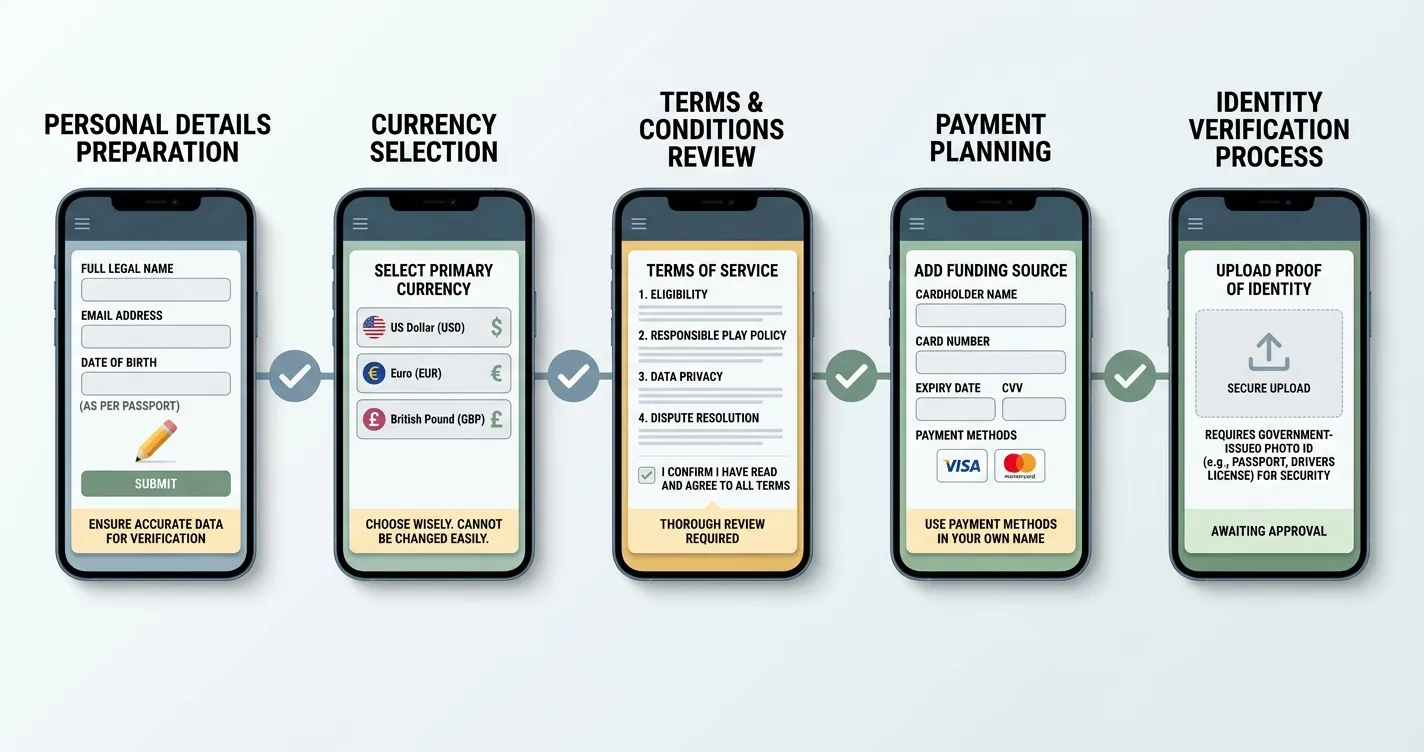
Once you are comfortable with the mobile interface, you can easily complete the secure casino registration process directly from your smartphone.
How to use DelOro on an iPhone
On an iPhone, the safest approach is to open the casino’s website in Safari or another browser you already trust. Browser access avoids the need to install software from an unknown source and keeps the starting point simple: you are using the website itself rather than a separate application package.
- Open your preferred mobile browser and navigate to the DelOro website using a known, verified address.
- Check that the page loads as a mobile layout rather than forcing a desktop-sized interface.
- Sign in only after confirming that you are on the intended site and not a lookalike page.
- Use the game categories or search tools shown in the mobile lobby to find content.
- Open the cashier or support area from the site navigation when you need account help.
If you prefer an app-like shortcut, your browser may let you add the site to the home screen. That creates a shortcut to the website; it does not turn the site into a native iOS application and should not be described as one. The distinction is useful when you are checking permissions, updates or the source of the software.
How to use DelOro on Android
The same browser-first approach applies on Android. Open the casino in Chrome, Firefox or another maintained browser and use the responsive site. There is no need to download an APK from a third-party directory merely because a search result labels it as a “DelOro app”. No official native Android application has been confirmed.
APK files can install software outside Google Play, which makes source verification especially important. Avoid unofficial download mirrors and treat any Android app as unconfirmed unless it is supported by an official Google Play listing or a direct official download.
For normal use, the browser route is enough to test the tasks that matter: opening the lobby, launching a game, viewing account information, reaching payments and contacting support. If one of those functions behaves differently on your handset, treat the live interface as the final operational source rather than assuming the desktop flow is identical.
What can you play on mobile?
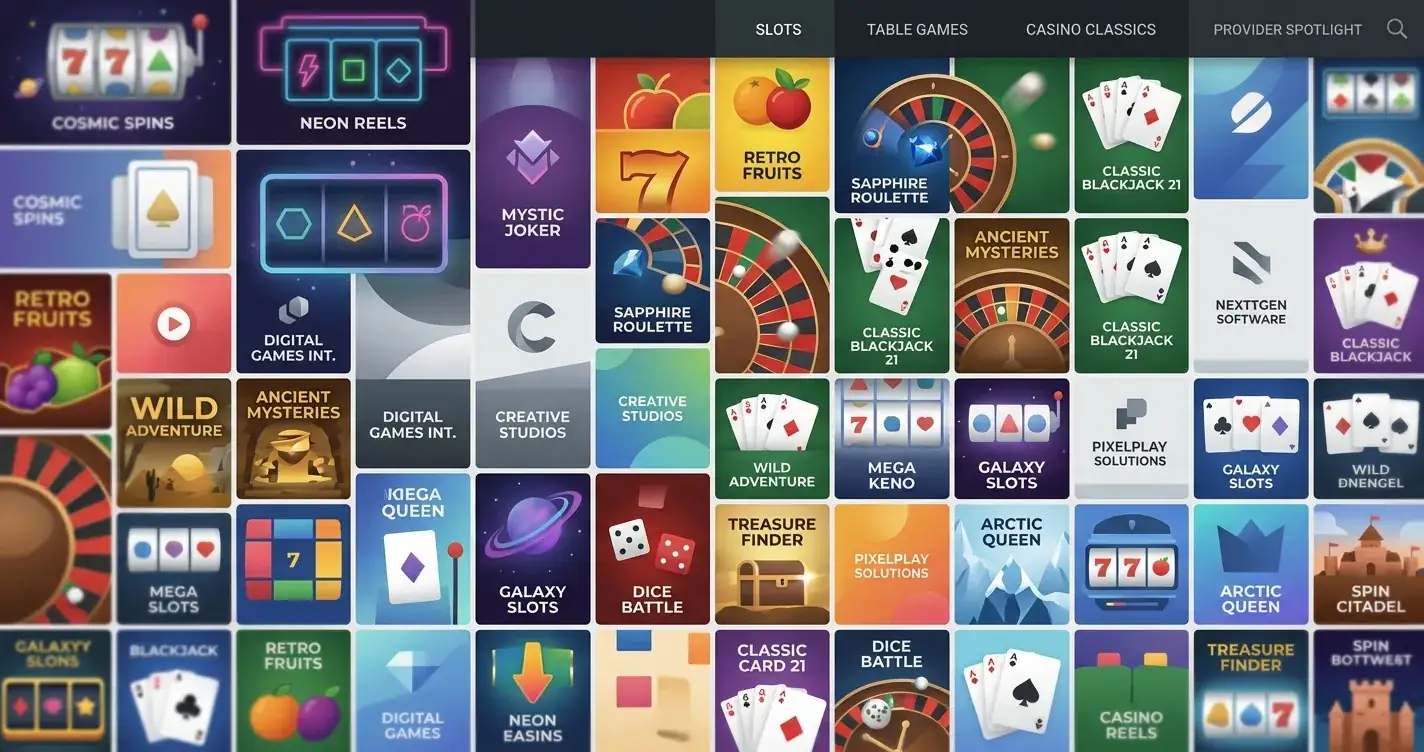
DelOro supports slots and live casino through browser-based mobile access. Game availability can vary with provider support, device compatibility and the current lobby configuration, so check the current mobile lobby if a specific title matters to you.
If you want to understand the wider catalogue, use the games library guide. For streamed tables and studio content, the live casino page is more specific. On mobile, the useful checks are practical: does the title open cleanly, are controls large enough to use without accidental taps, does portrait or landscape mode work well, and can you return to the lobby without losing your place?
Live casino deserves an extra connectivity check because streamed video is more demanding than a static lobby or many slot interfaces. A stable connection matters more than raw screen size. If a table stream stutters on mobile data, test the same page over a reliable Wi-Fi connection before concluding that the game itself is unavailable.
Mobile cashier use: check before you pay
A mobile casino can make deposits and withdrawals convenient, but payment availability should be checked in the cashier you actually see. DelOro supports a broad set of payment methods, while minimums, withdrawal times and fees can vary by method or account.
Before making a deposit on a phone, confirm the currency, payment method and amount on the final confirmation screen. If a wallet or banking app opens during the payment flow, check that you can return to the casino session cleanly after authorisation. For withdrawals, note any verification message or status shown in the account before contacting support.
The dedicated payment methods guide covers cashier categories and UK payment context in more detail. Keeping those details on the payment page avoids turning this mobile guide into a duplicate cashier review.
Support from a phone
DelOro offers 24/7 live chat support. On mobile, chat is especially useful when a navigation step is hidden behind a compact menu or when you need clarification about an account message while you still have the screen in front of you.
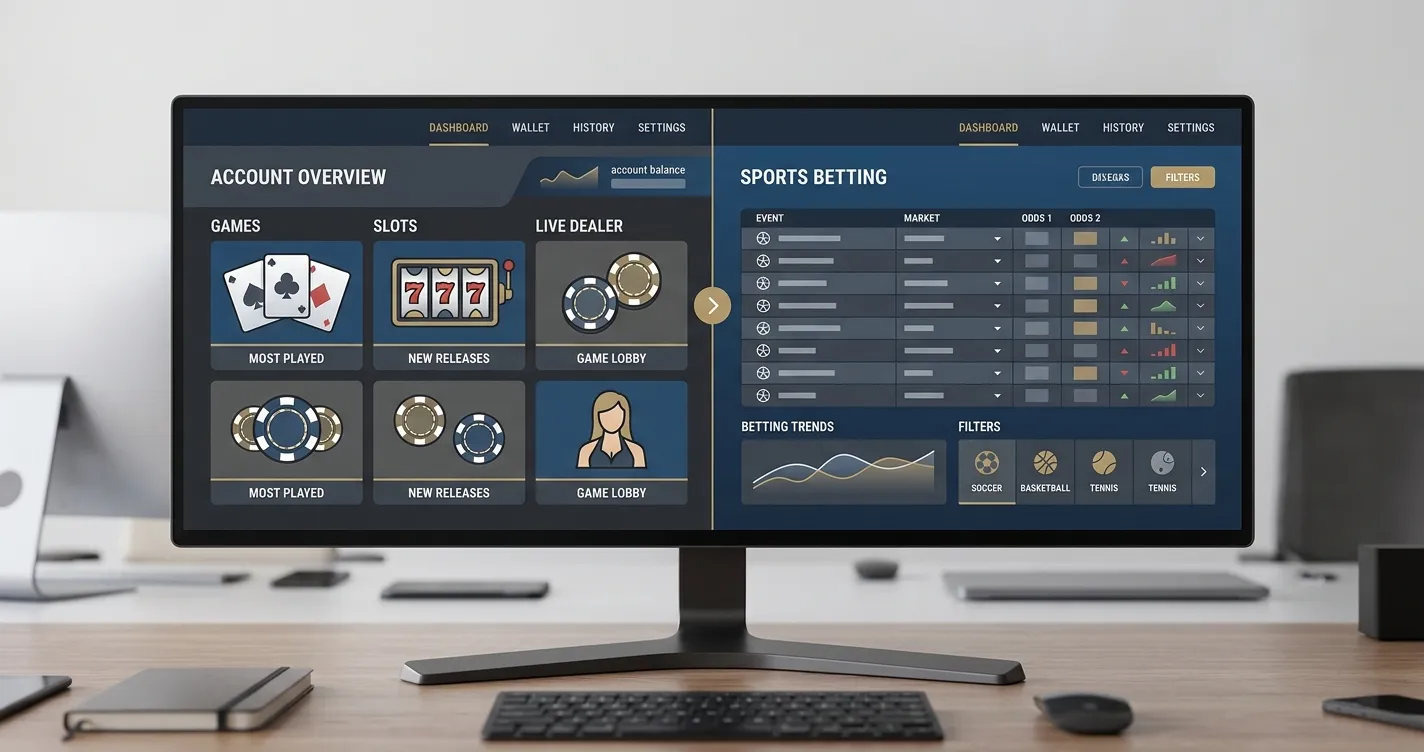
When contacting support from a phone, keep the issue narrow. If a game will not load, record the game name, browser and whether the problem occurs on Wi-Fi and mobile data. If the cashier shows an unexpected status, note the transaction reference and exact wording rather than sending a general “withdrawal not working” message. For wider support and account-management guidance, use the account guide.
Be careful with saved interface images. They can be useful records, but avoid sharing images that expose passwords, full card details, private documents or unrelated personal information. Crop to the relevant interface message whenever possible.
Native app versus mobile browser: which is better here?
For DelOro, the browser is the verified option, so the comparison is not really between two confirmed products. A native app can offer operating-system integration, app-store updates and a dedicated icon, but none of those advantages justify pretending an app exists when it has not been verified.
A browser-based casino has its own practical strengths. There is no separate installation, storage use is lower, and updates happen on the website rather than requiring a new app build. It also reduces the temptation to install a casino-branded file from an unfamiliar directory. The trade-off is that browser performance depends on the site, browser and device working well together.
If a native DelOro app appears in future, verify the publisher identity and listing source first. An official Apple App Store or Google Play page is stronger confirmation than a third-party app claim; an Android download outside Google Play should come directly from an official DelOro source.
Discover more about mobile compatibility and overall platform performance on our premier casino information portal.
Five mobile checks worth doing before a deposit
- Confirm the address. Start from a verified site URL, especially if you arrived through a search engine.
- Test navigation. Make sure you can move between lobby, account, cashier and support without losing the session.
- Open the games you actually care about. Do not assume every title in a general review is available on your device today.
- Inspect the cashier. Check the currency and methods shown to your account before committing funds.
- Locate support. Know where live chat is before you need it, particularly if a payment or verification step interrupts play.
This short test tells you more about real usability than generic claims such as “fully optimised for mobile”. Mobile quality is task-specific. A site can look polished on the home screen yet still be awkward in the cashier, account menu or live-game controls.
Common mobile mistakes to avoid
- Searching for an app first. DelOro’s verified route is browser play, so an app download is unnecessary.
- Treating a home-screen shortcut as a native app. It is still the website opened through browser technology.
- Installing an unofficial APK. Avoid third-party Android packages that are not supplied through an official DelOro source.
- Assuming desktop and mobile catalogues are identical. Check the live lobby for the titles available on your device.
- Approving a payment without checking the final screen. Mobile wallet hand-offs can make it easy to move quickly past important details.
- Using public Wi-Fi for sensitive account tasks. Prefer a connection you trust when entering credentials or handling payments.
Mobile access on iPhone, Android, installation, live games and mobile cashier use
Does DelOro Casino work on iPhone?
Yes. Mobile browser access is verified, so an iPhone can use DelOro through a compatible browser. A native iOS app has not been verified.
Does DelOro Casino work on Android?
Yes. The confirmed route is the mobile website in a browser. A native Android app has not been verified, so avoid unofficial APK downloads.
Do I need to install anything?
No installation is needed for browser play. Open the website in a supported browser and use the responsive mobile interface.
Can I play live casino games on mobile?
DelOro offers live casino as a verified game category and supports mobile browser play. Check the current mobile lobby for the tables and providers available on your device.
Can I deposit or withdraw on mobile?
The mobile account journey can include cashier access, but methods, limits, fees and processing details should be checked in the live cashier. Use the dedicated payment guide for the broader verified payment picture.
When browser-first mobile access makes sense
DelOro is a browser-first mobile casino in the evidence currently available. Mobile and instant-play access are verified, while native iPhone and Android apps are not. For UK readers, the practical choice is therefore to use the website through a modern mobile browser rather than hunt for a download.
For the wider verdict and UK context, return to the DelOro review.
That approach still supports the main casino journey: browsing games, reaching live casino categories, using account functions, checking the cashier and contacting 24/7 live chat. Verify the live interface for device-specific game and payment availability, and only treat a future DelOro app as genuine after an official app-store listing or direct first-party download evidence can be confirmed.
Published by the Del Oro Casino team.